Team-based development
Contributed to a three-member Unreal Engine 5 project with shared production responsibilities.
Project Case Study // Gameplay Systems
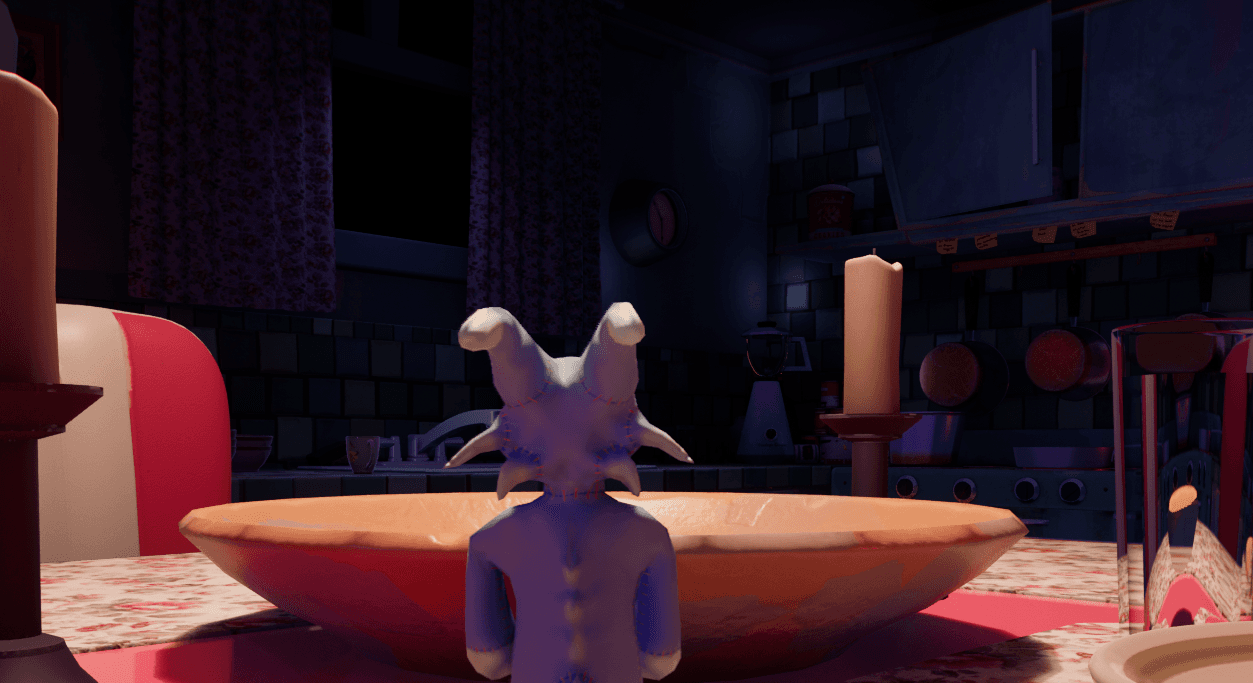
Chunky’s Adventure was developed as a collaborative Unreal Engine 5 project, with my role centered on gameplay systems, character setup, interaction logic, and optimization. The goal was to make the experience feel playful and responsive while keeping the pipeline technically reliable from prototype through final packaging.
System Overview
I worked on Chunky’s Adventure as part of a three-member team, focusing on core gameplay systems that shaped the player’s moment-to-moment experience. My responsibilities included implementing running, a responsive double jump, and item collection through overlap detection so movement and interaction felt smooth and satisfying.
I also handled the character pipeline by creating a custom rig and refining animation assets sourced from Mixamo in Autodesk Maya before integrating them into Unreal Engine 5. Those animations were connected to the player blueprint so transitions remained clean and synchronized with gameplay mechanics.
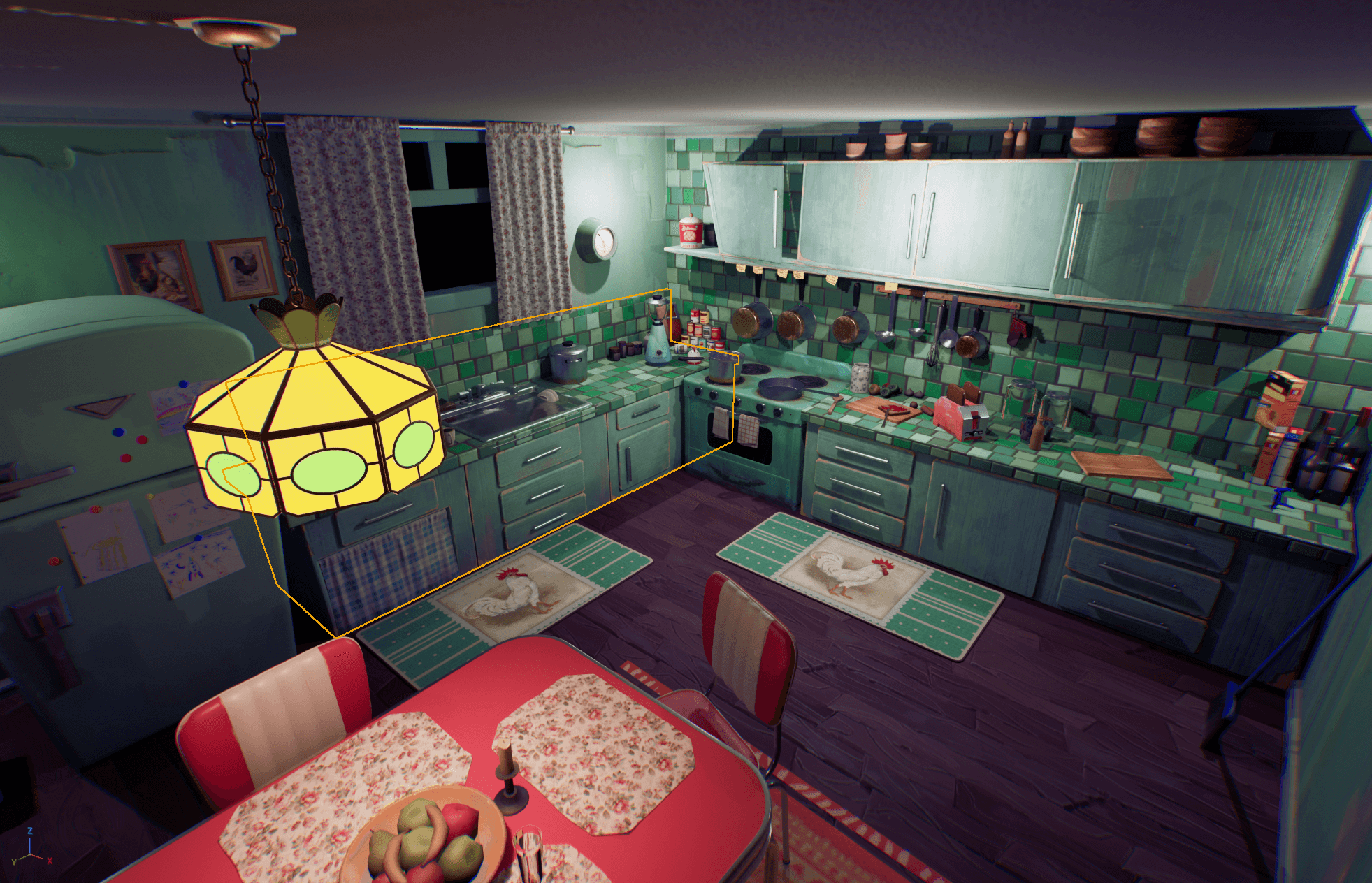
Alongside that work, I implemented important game logic and UI features including the widget blueprint, win and lose conditions, and the final packaging workflow. Performance was another key focus, improved through culling, selective texture reduction, and render resolution adjustments.
Visual Archive
Gameplay Layer
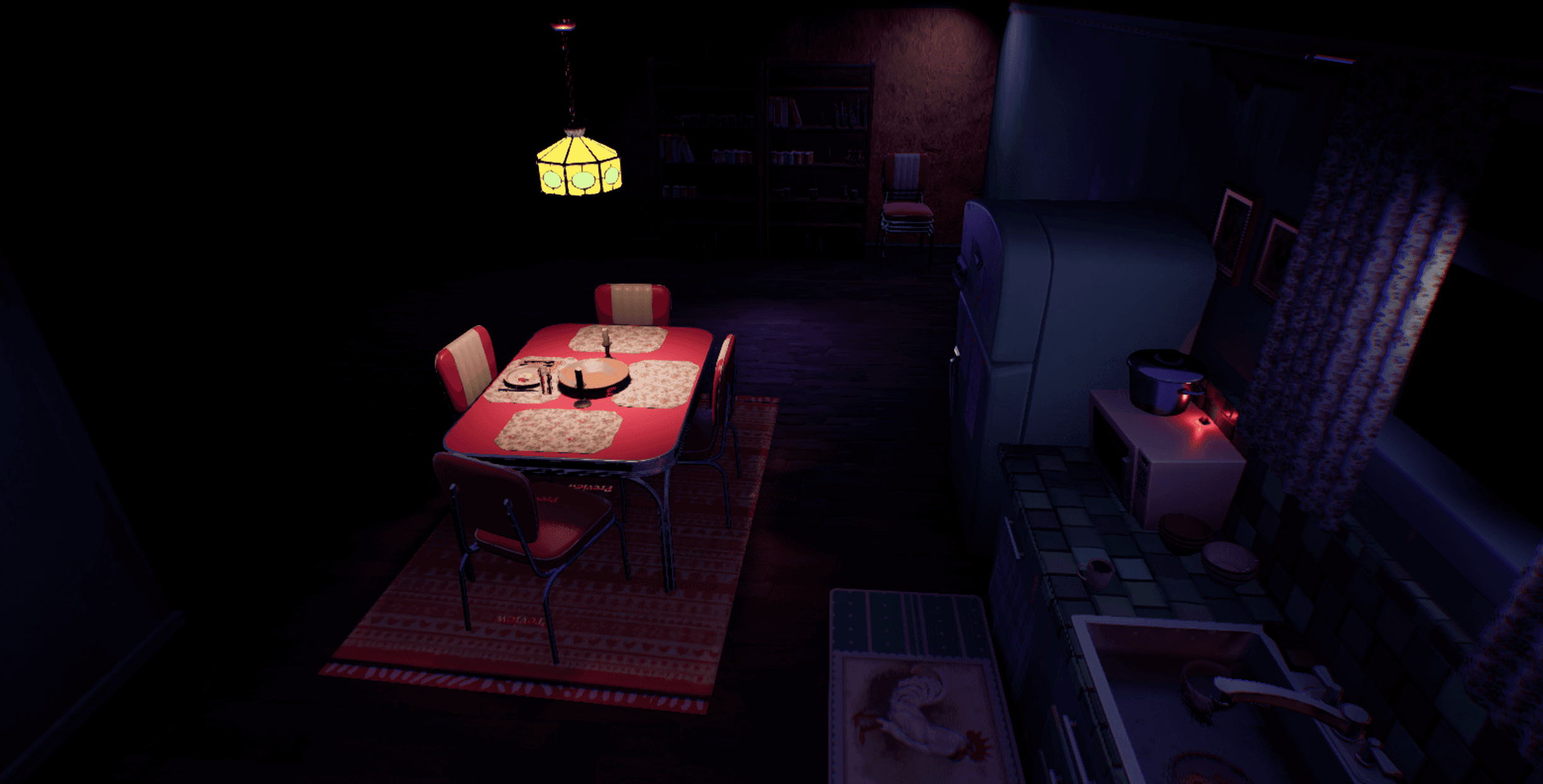
The gameplay layer centered on responsive player movement, with running and a double jump tuned to feel immediate and readable in a scaled environment full of oversized props.
Item collection was implemented through overlap-driven interactions so pickups could register cleanly without friction. That helped the game communicate progress naturally while keeping the interaction model simple and satisfying.
More broadly, the interaction design focused on clarity. Movement, pickup feedback, and state changes were all built to support an experience that felt intuitive from the player's point of view.
Character Workflow
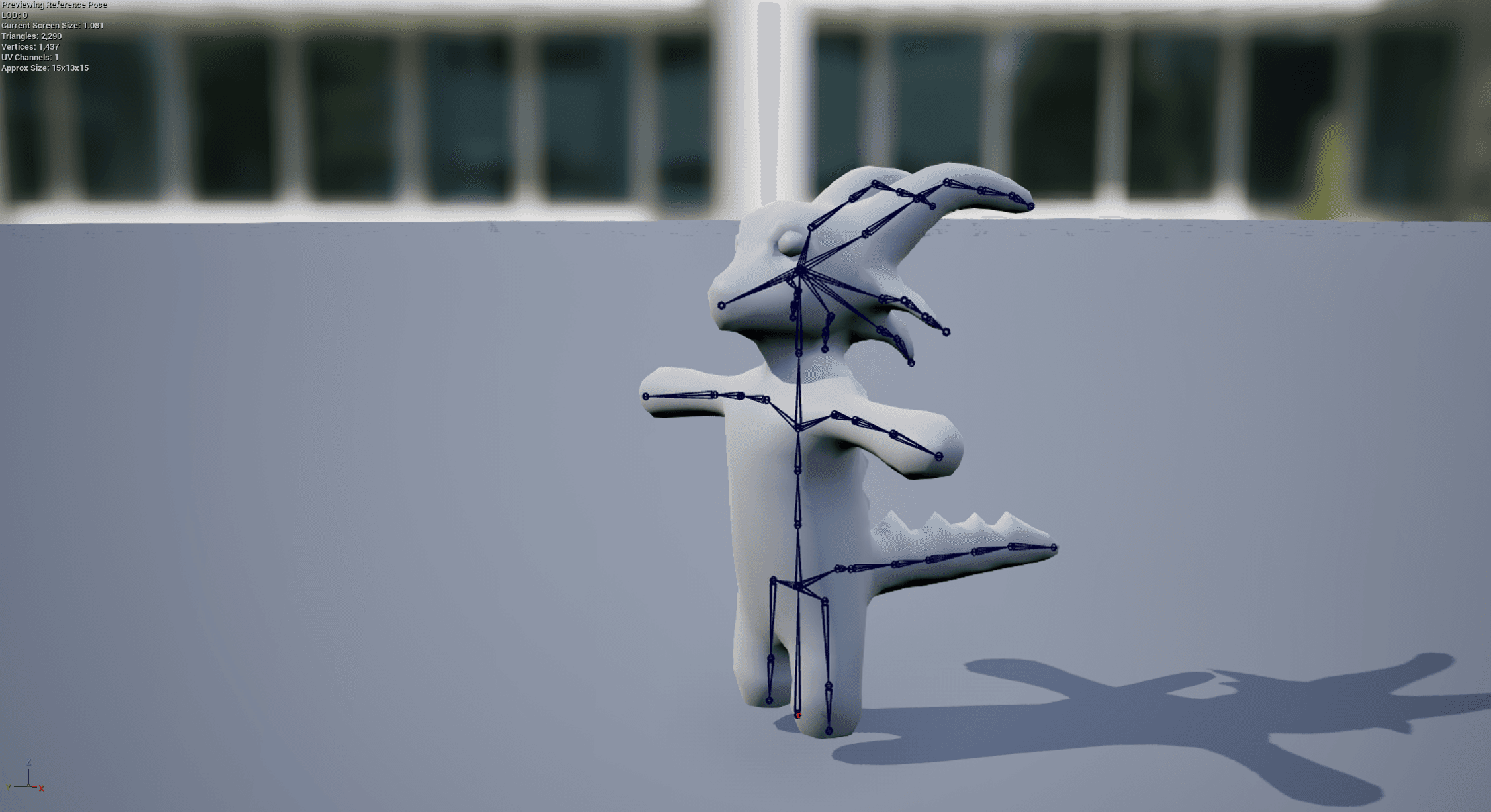
The character pipeline involved building a custom rig and refining third-party animation data so it could work reliably with the final gameplay implementation.
Mixamo served as a useful animation source, while Autodesk Maya was used to clean, adapt, and prepare those assets for the specific needs of the character.
Once ready, the animations were imported into Unreal Engine 5 and integrated into the player blueprint, where they were synchronized with movement states and gameplay logic.
Optimization Pass
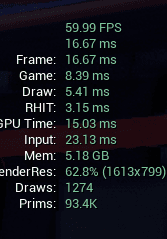
Optimization work focused on keeping the game visually coherent while improving runtime stability. Culling was used to reduce unnecessary rendering cost, especially in a scene where large environment elements could quickly stack up in view.
I also adjusted texture quality and render resolution where appropriate to balance visual clarity against performance.
The result was a more stable experience that preserved the atmosphere of the project while remaining practical for real-time play.
Project Breakdown
Contributed to a three-member Unreal Engine 5 project with shared production responsibilities.
Implemented responsive movement with readable traversal across a stylized oversized environment.
Tuned airborne control to feel satisfying while still supporting clear platforming movement.
Used overlap detection to build simple, reliable, and intuitive collection interactions.
Refined sourced animations in Maya and integrated them into UE5 for synchronized gameplay use.
Implemented widget blueprint flow along with win and lose state handling.
Balanced culling, texture quality, and resolution settings to improve runtime smoothness.
Toolchain
Playback
Next Destination
Return to the main portfolio to explore the rest of the work, the full visual archive, and the contact section.